
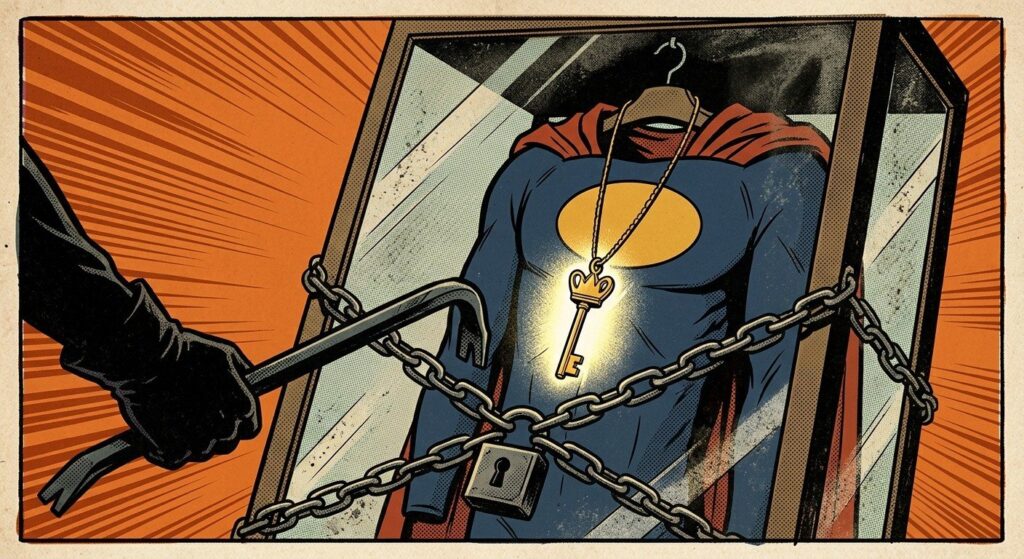
The Project That Was Supposed to Be Boring
The assignment was simple. A client had an onboarding script that worked well. It created the on-prem Active Directory account, waited for Entra Connect to sync it, issued a Temporary Access Pass, added the new hire to the right groups, and sent a welcome email through Azure Communication Services. The problem was how it ran: as a Domain Admin who was also a Global Administrator.
Our job was to take it down to a standard user account. That part went to plan:
- AD delegation replaced Domain Admin. A security group got Create User, Reset Password, and read/write on user attributes, and only on the OUs where new hires go.
- A JEA endpoint on the Entra Connect server replaced admin remoting into a Tier 0 box. It exposes one sync command and one status command, and nothing else.
- PIM replaced the permanent Global Administrator. Authentication Administrator, eligible rather than active, covers TAP creation. Group ownership covers the two application groups, with no directory role involved.
- Key Vault took the one remaining secret out of human hands.
None of that is new. Plenty of posts cover each piece, and I'll walk through the build in a follow-up. This post is about what happened next.
"Prove It"
Hardening isn't finished until you can show the old privileges aren't needed anymore. So the last step was verification: list every privileged account involved, confirm what each one could still do, and sign off on removing it.
That's where the project turned into something nobody had planned. It became a privileged-access audit, and it found things nobody had been looking for.
One of my favorite moments was an accident. I ran a sync command and forgot the parameter that points it at the JEA endpoint. The answer was "Access is denied." That was the negative test I'd meant to write, and it proved the old admin path into the Entra Connect server was closed. Not every finding was that pleasant.
Finding #1: A Disabled Account Holding Global Administrator
In the admin OU sat an old administrative account. It was disabled on-prem. Entra Connect had correctly synced it to Entra ID as disabled. Everyone who saw it in AD Users and Computers thought of it as retired.
It still held a permanent Global Administrator role assignment.
Disabling an account doesn't remove its role assignments. The account can't sign in right now, but the permissions are still there, waiting. One re-enable is all it takes to bring them back.
And because the account was synced, who can re-enable it?
For a synced user, accountEnabled and the password are mastered on-prem. Entra ID is careful about who can reset a Global Administrator's password in the cloud, but none of that applies here. Anyone with enough rights on that OU in Active Directory can:
- Enable the account
- Set a new password
- Wait about two minutes for password hash sync
At that point they're signed in as a Global Administrator. That covers Domain Admins and Account Operators, any help desk group with delegated rights, and any attacker who has compromised one of them.
That's an on-prem-to-cloud escalation path. A compromise of on-prem AD becomes a compromise of the whole tenant, and the account that makes it possible looks retired.
Finding #2: The Sync Scope That Depended on Luck
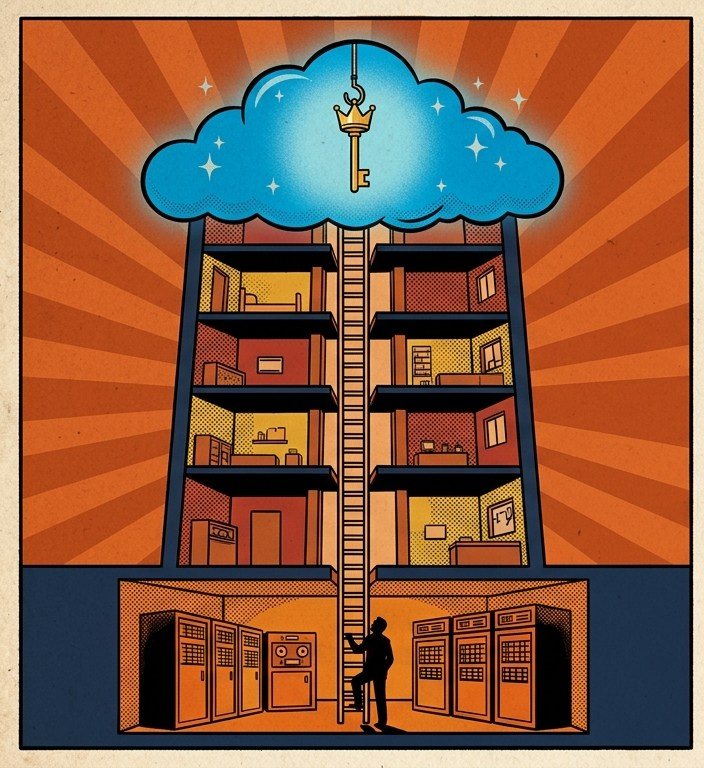
How did server-admin accounts end up with cloud identities, let alone cloud roles? The Entra Connect OU filtering explained it.
The parent admin OU was in sync scope. One of its child OUs was out. Whether a given admin account got a cloud identity came down to which sub-OU someone happened to create it in. Nobody had made that choice on purpose. It was a side effect of OU filtering decided years earlier and never revisited.
Once an account has a cloud identity, someone eventually grants it a cloud role, because it's convenient and it's right there. That's how a server-admin account ends up holding Global Administrator.
Findings #3–5: Once You Look, You Keep Finding
- A live, synced admin account held Owner on the production subscription. This one was enabled and in use. The same on-prem-to-cloud path applies, except the prize is full control of production Azure resources.
- There was only one emergency access (break-glass) account. Microsoft’s guidance is at least two, both cloud-only and kept separate from day-to-day admin accounts. A single break-glass account is a single point of failure on the worst day in IT you’ll ever have.
- Stale disabled admin accounts sat in a synced OU. Each one could be carrying role assignments that nobody had reviewed. Finding #1 showed what that can look like.
The Five-Minute Audit
You can check your own tenant for all of this in a few minutes. You only need read permissions.
1. Who holds directory roles, and are they synced or disabled?
Connect-MgGraph -Scopes 'RoleManagement.Read.Directory','User.Read.All'

$roleNames = @{}
Get-MgRoleManagementDirectoryRoleDefinition -All |
    ForEach-Object { $roleNames[$_.Id] = $_.DisplayName }

$props = 'UserPrincipalName', 'AccountEnabled',
         'OnPremisesSyncEnabled', 'OnPremisesDistinguishedName'

Get-MgRoleManagementDirectoryRoleAssignment -All | ForEach-Object {
    $user = Get-MgUser -UserId $_.PrincipalId -Property $props `
        -ErrorAction SilentlyContinue
    if ($user) {
        [pscustomobject]@{
            Role     = $roleNames[$_.RoleDefinitionId]
            User     = $user.UserPrincipalName
            Enabled  = $user.AccountEnabled
            Synced   = $user.OnPremisesSyncEnabled
            OnPremDN = $user.OnPremisesDistinguishedName
        }
    }
} | Sort-Object Role | Format-Table -AutoSize
How to read the output:
Enabled = Falsewith any role: this is Finding #1. Remove the role assignment. Disabling the account isn’t enough.Synced = Truewith any privileged role: this is an on-prem-to-cloud path. Move the role to a cloud-only account.OnPremDN: this shows which OU each privileged identity came from, which is a quick way to spot a sync scope problem like Finding #2.
One detail that trips people up: OnPremisesSyncEnabled is $null for cloud-only accounts, not False. For privileged accounts, an empty Synced column is what you want to see.
This lists active assignments, both permanent and currently activated. If you use PIM, also check Get-MgRoleManagementDirectoryRoleEligibilitySchedule. An eligible Global Administrator on a synced account has the same problem. It’s just one activation further away. Roles assigned through role-assignable groups show up with a group as the principal, so expand those groups too.
2. Who owns your subscriptions?
Connect-AzAccount
$scope = '/subscriptions/<subscription-id>'
Get-AzRoleAssignment -RoleDefinitionName Owner -Scope $scope |
    Select-Object DisplayName, SignInName, ObjectType, Scope
Run each user principal through the same Get-MgUser check. A synced Owner on production is Finding #3.
3. Check your sync scope on purpose
Open the Synchronization Service Manager on your Entra Connect server, go to the AD connector, and look at Configure Directory Partitions → Containers. Look specifically at admin, service-account, and server OUs. Make sure the parent and child selections are what you intend, not what someone clicked years ago.
4. Count your break-glass accounts
You should have at least two. Both should be cloud-only, use phishing-resistant credentials, be monitored for any sign-in, and be tested on a schedule.
What We Changed
- Removed the role assignment from the disabled account, then deleted the account. Revoking access means removing the role, not disabling the user.
- Moved privileged cloud roles to cloud-only accounts, made eligible through PIM instead of permanently assigned.
- Pulled admin OUs out of sync scope, so on-prem administrative accounts don't get cloud identities at all.
- Added a second break-glass account.
- Reviewed and cleaned up the stale disabled admin accounts, along with anything still assigned to them.
The Real Lesson: The Audit Is the Deliverable
The client asked for a script that ran without Domain Admin. They got that. But the hardening was the routine part. The real value was in the findings, and none of them were in the scope of work.
That's the pattern I keep seeing. A least-privilege project is really a discovery exercise. You can't prove an account doesn't need a privilege until you look at what it actually has, and once you look, you find the dormant Global Administrator, the accidental sync scope, and the Owner nobody remembers granting.
So if you're planning a least-privilege project, budget time for verification and expect it to turn up surprises. If you aren't planning one, run the audit above anyway. Disabled isn't the same as safe.
Part 2: The Build
Part 2 walks through the technical build. That covers AD OU delegation that replaces Domain Admin for account creation, a JEA endpoint that exposes one cmdlet on a Tier 0 server, PIM-eligible roles and group ownership for onboarding, and moving the last secret into Key Vault. It also covers a couple of Graph replication quirks that will send you chasing ghosts if you don't know about them.
Read it: Onboarding Without the Master Key: The Least-Privilege Build. The one-time setup scripts are on GitHub.
Found a dormant Global Administrator in your own tenant, or want a second set of eyes on your privileged access? Get in touch. I'd like to hear what turned up.